
Tiny Football Steam CD Key






Description
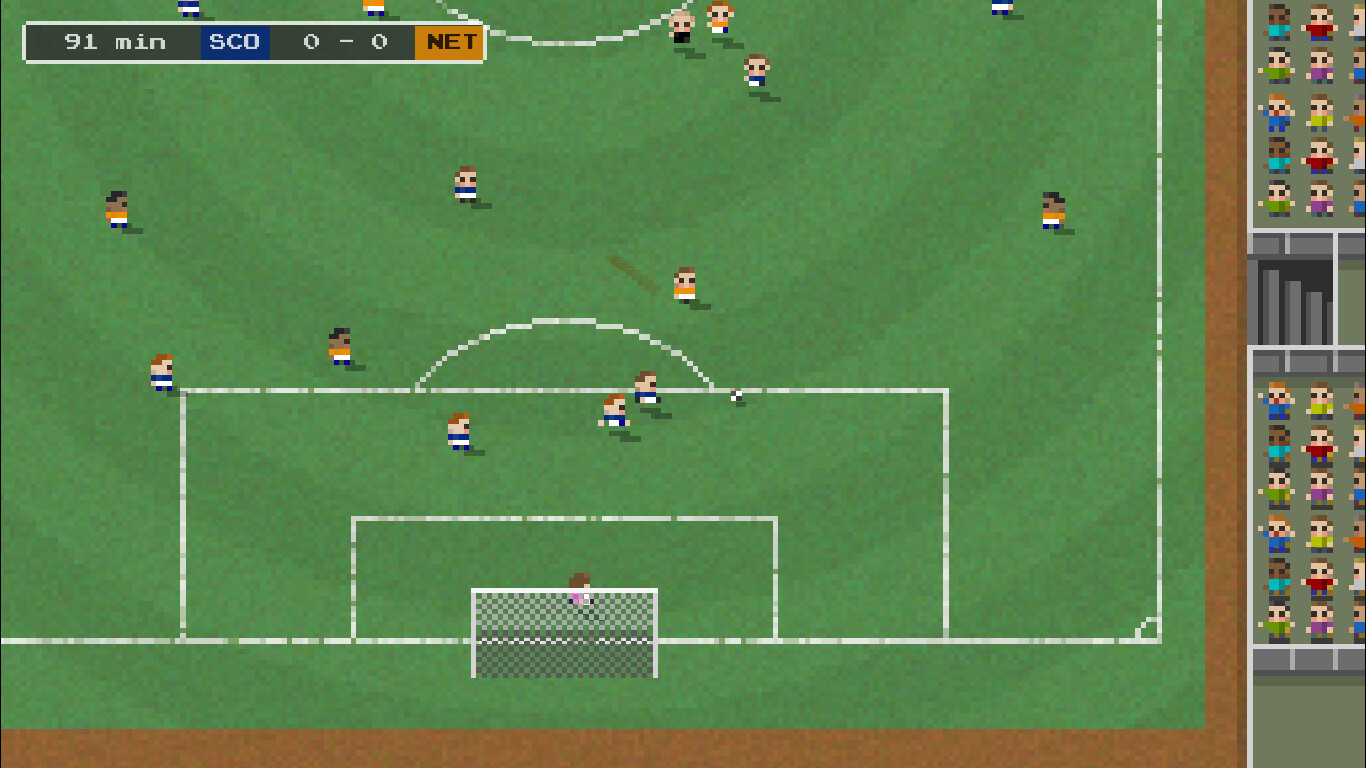
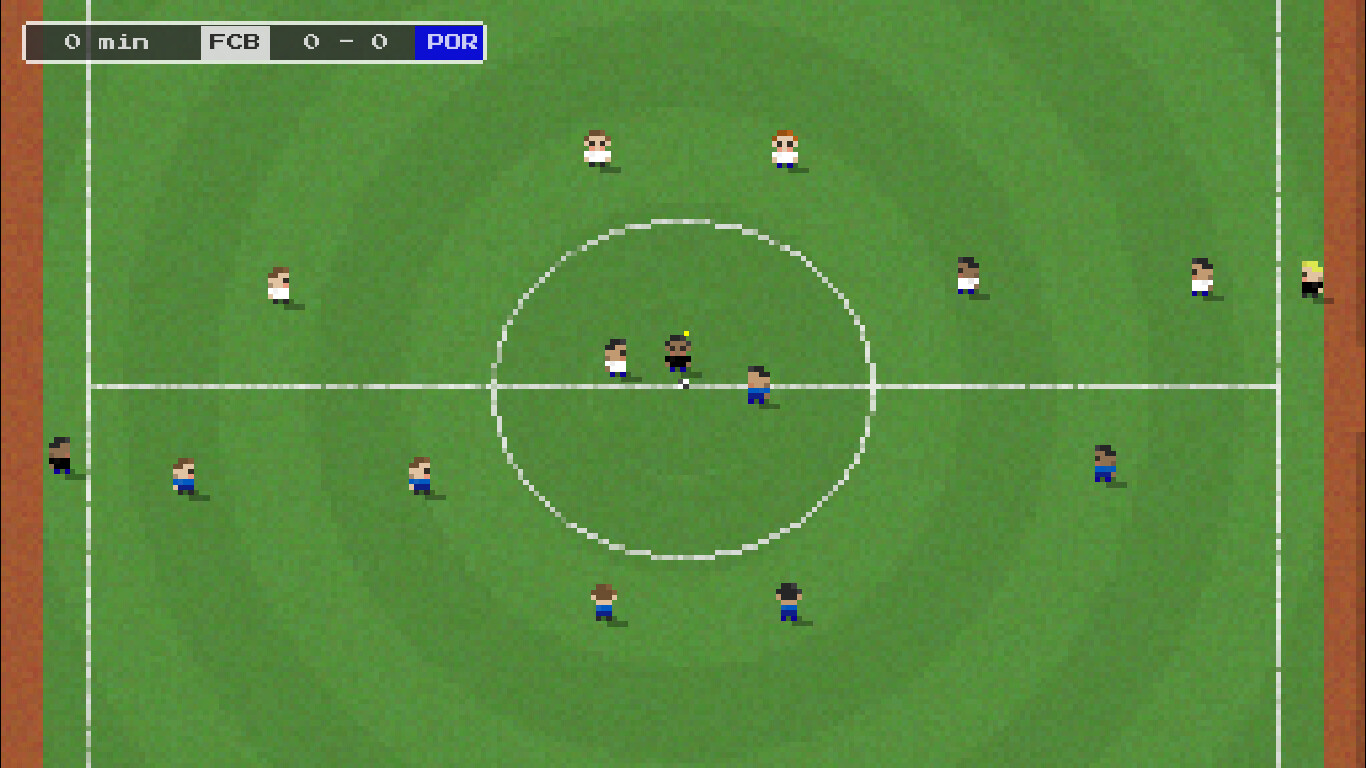
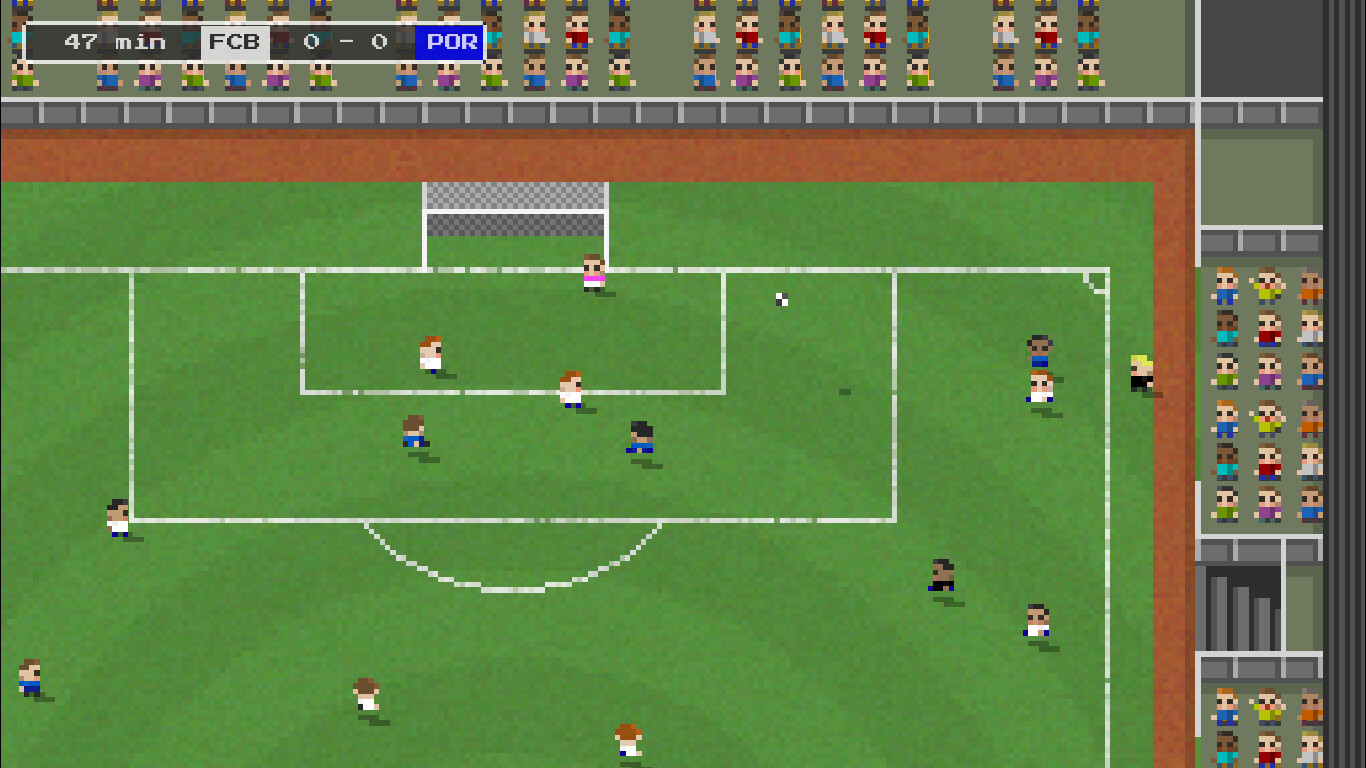
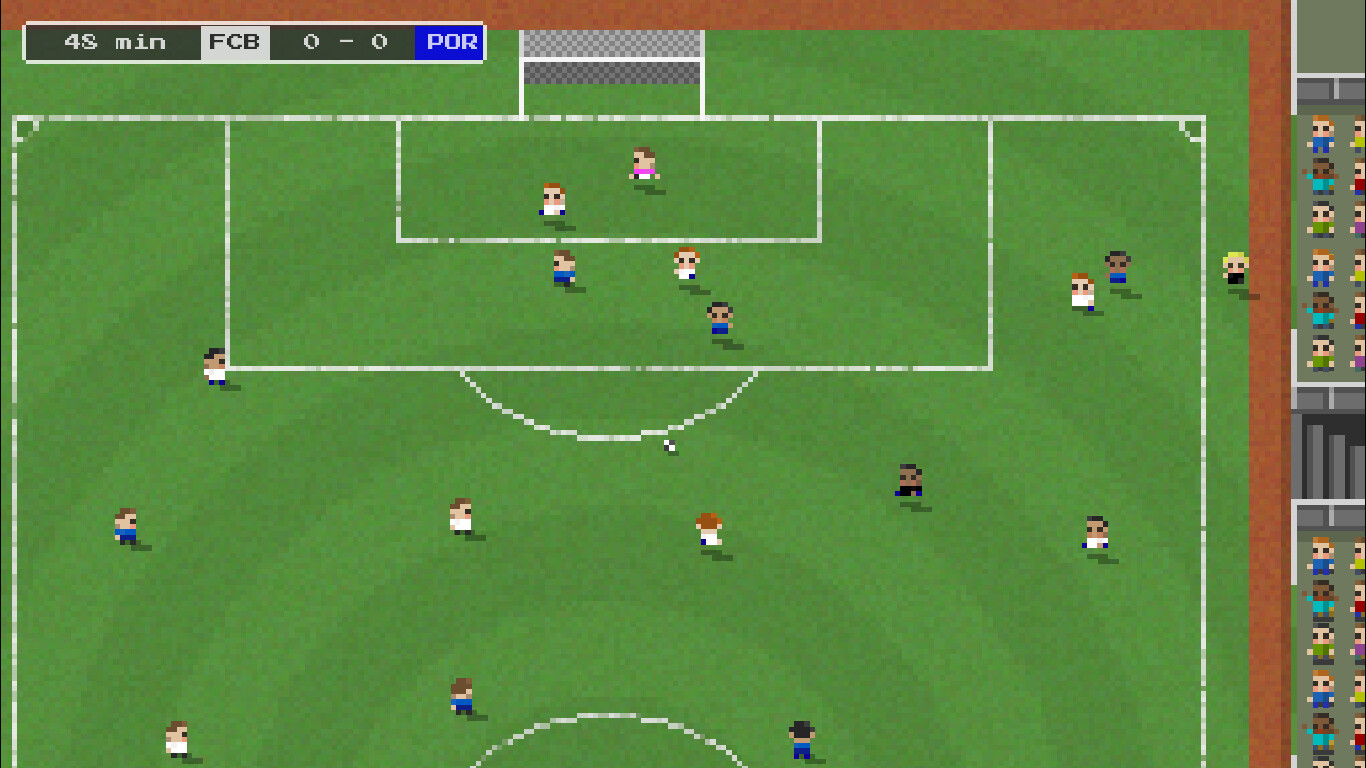
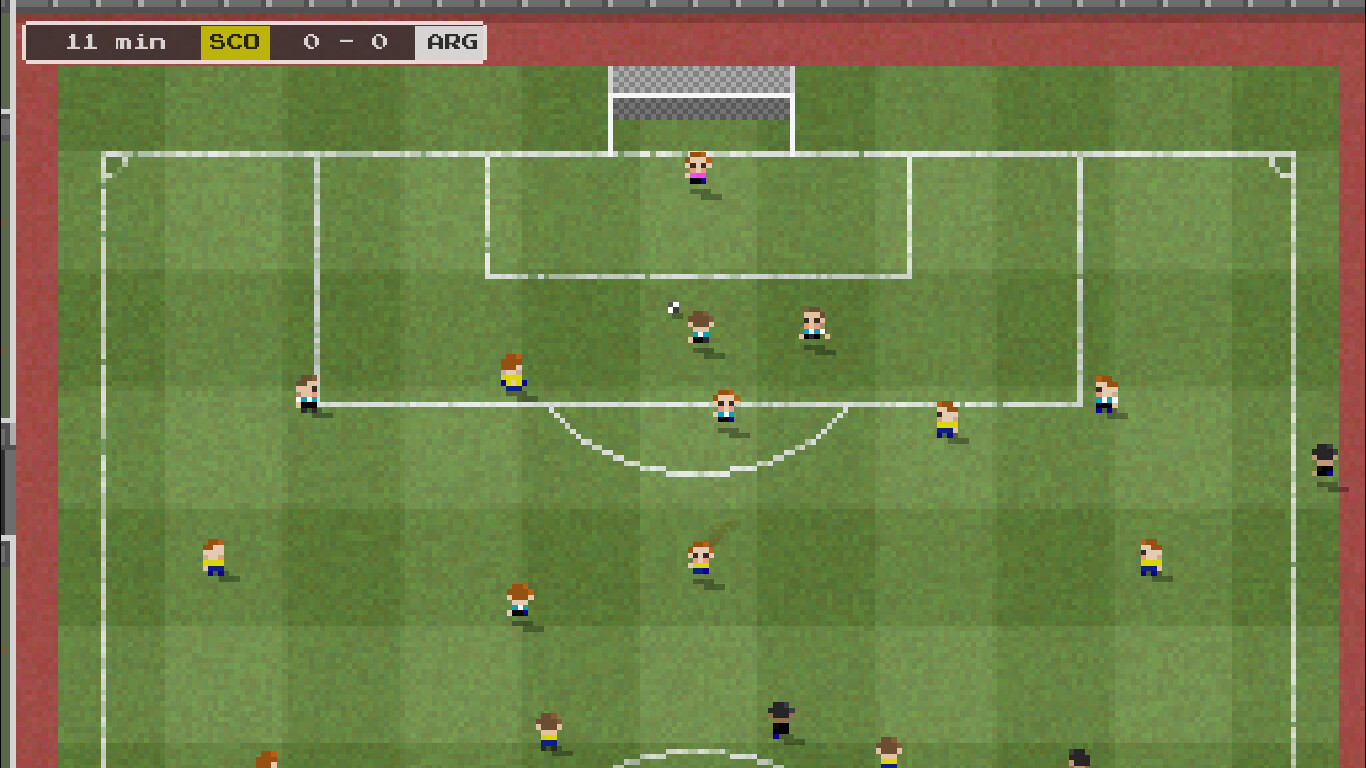
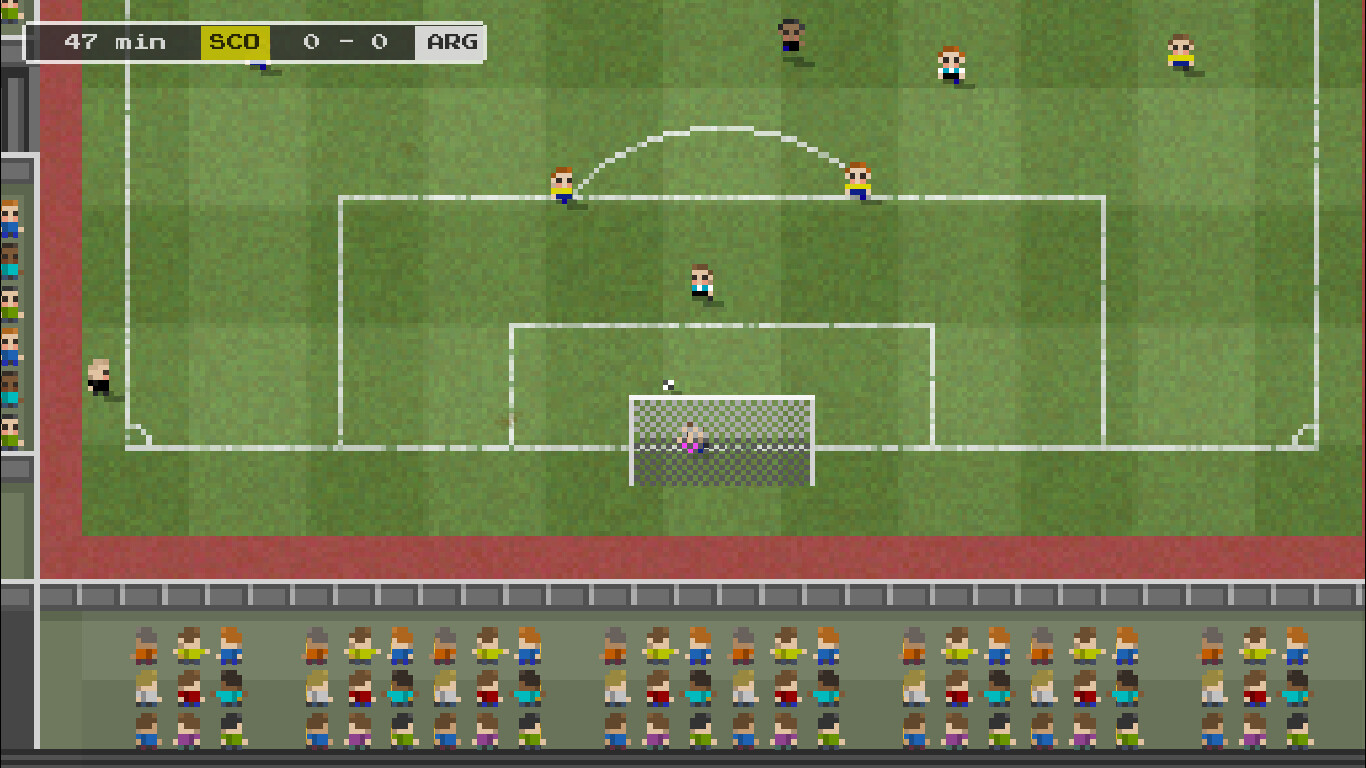
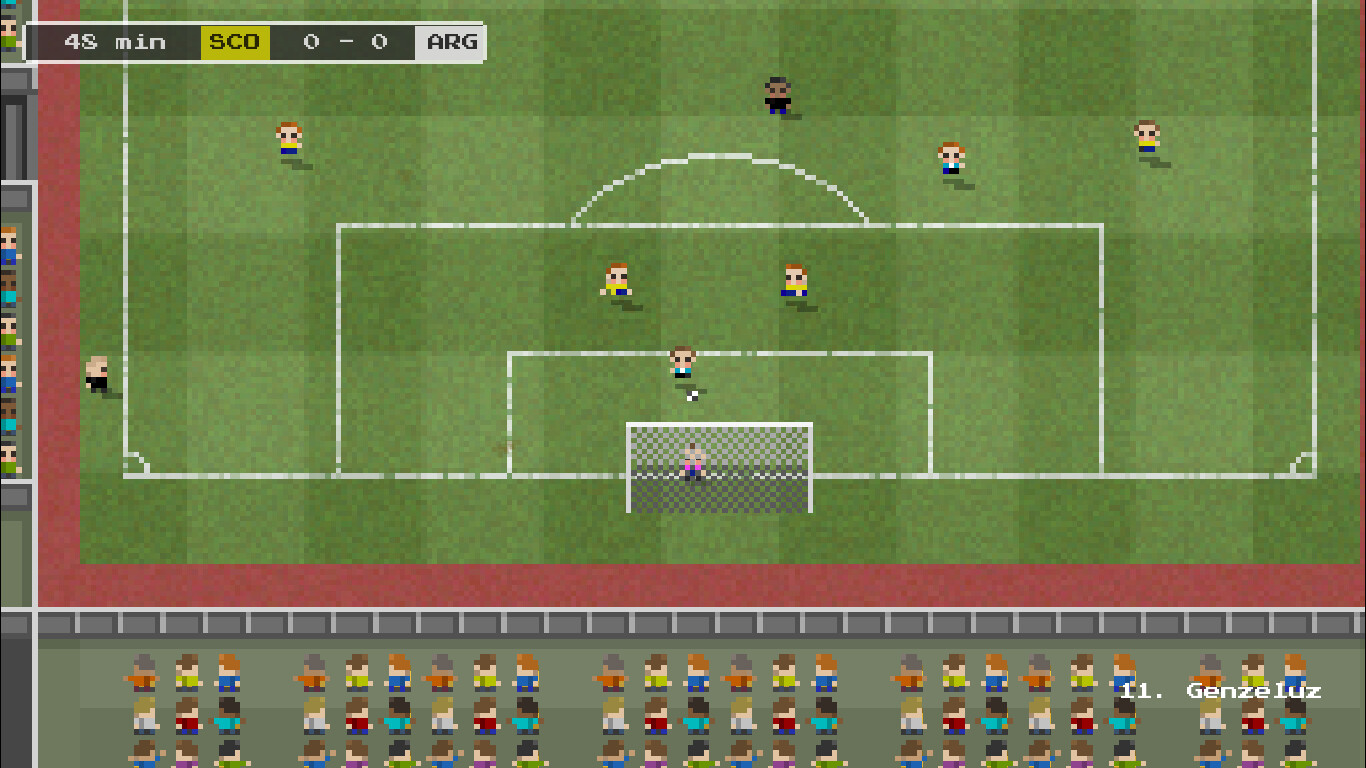
Tiny Football is a throwback to classic top-down football games of the 80’s and 90’s. The simple, one button kick control is still able to provide a rich football experience with accurate passing, shooting, tackles, crosses, throw ins, overhead kicks, free kicks and more. Compete with 64 national and club teams with home and away kits, full squads, custom cups, and league + knockout style tournaments. Features Gameplay is kingRich gameplay is achieved by sharing user control with AI assistance to produce realistic passing and shooting based on the skill of individual squad members. This margin of error, even at an elite level, will mean not every pass and shot pays off. There is always that element of luck, skill and opportunity being on your side when a goal comes together. Strategy on the pitchEach squad member has their own skill levels and player positions can be pre-allocated before a match and substituted when match fitness drops, or injuries occur. Sent off players and player suspensions will challenge gamers to shuffle team selection adding a light managerial feel to matches.The drama on the field also includes, crunching tackles, goal celebrations, player protests, extra time, and penalties along with replays of some of the more dramatic events. Choose how you want to playPlay Quick matches, penalty shootouts, Tournaments or stick it out for a full season.All modes of play come with the opportunity to play with friends.


