DRONE The Game Steam CD Key

DRONE The Game

Release date
17/12/2018
STEAM
Yes
Regional limitations
Region free
Developers
Five Studios Interactive
Publishers
Five Studios Interactive
Genres
Action Co-op Indie Racing Simulation Sport
Platform
Steam
Languages
English

Slut i lager

Description

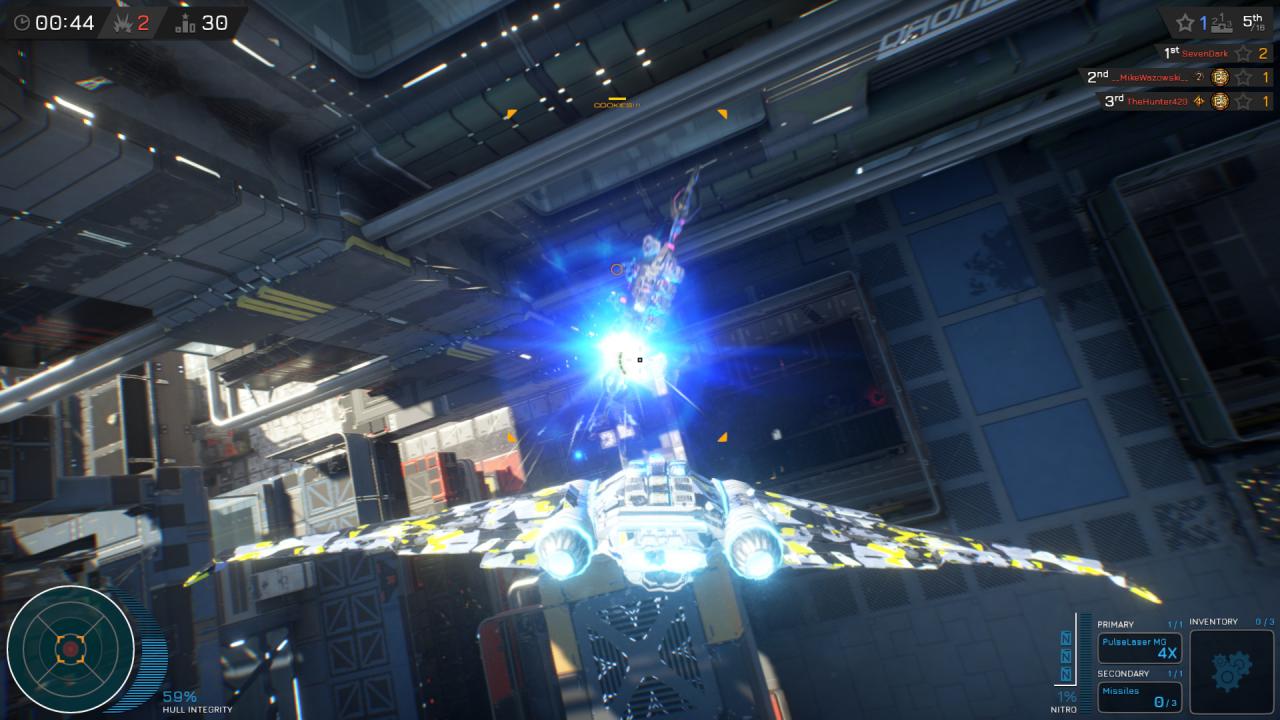
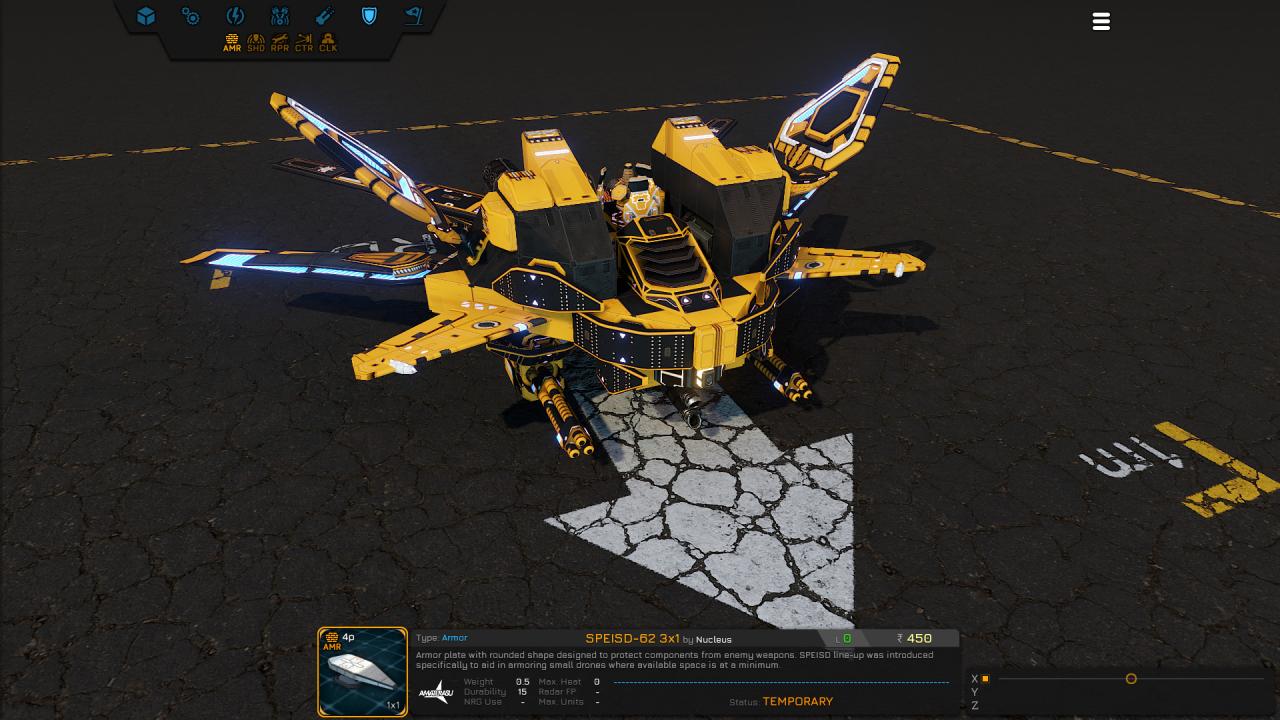
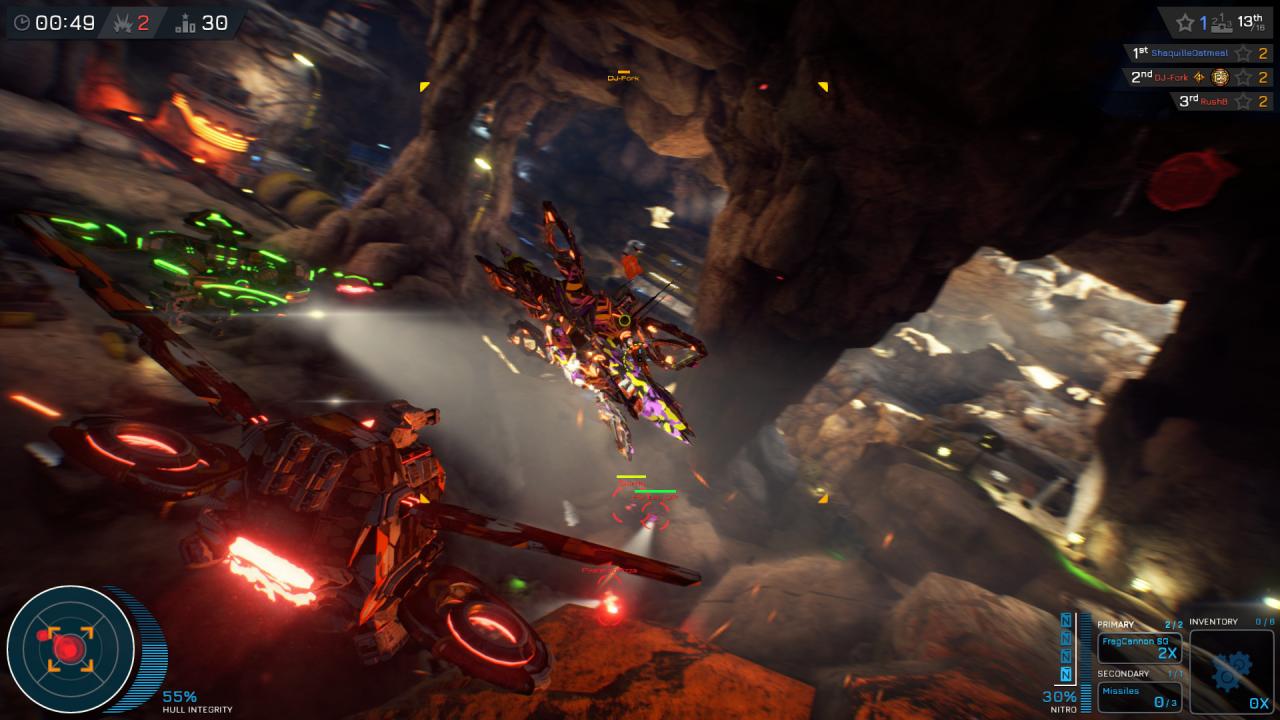
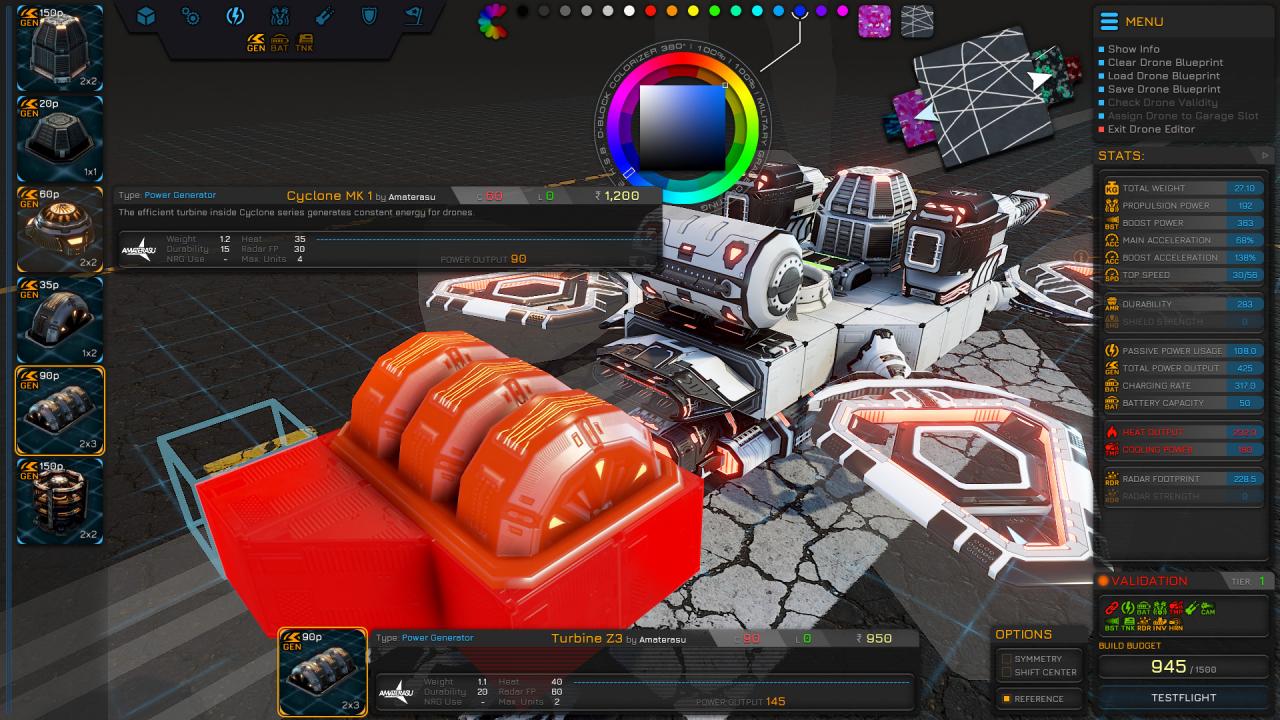
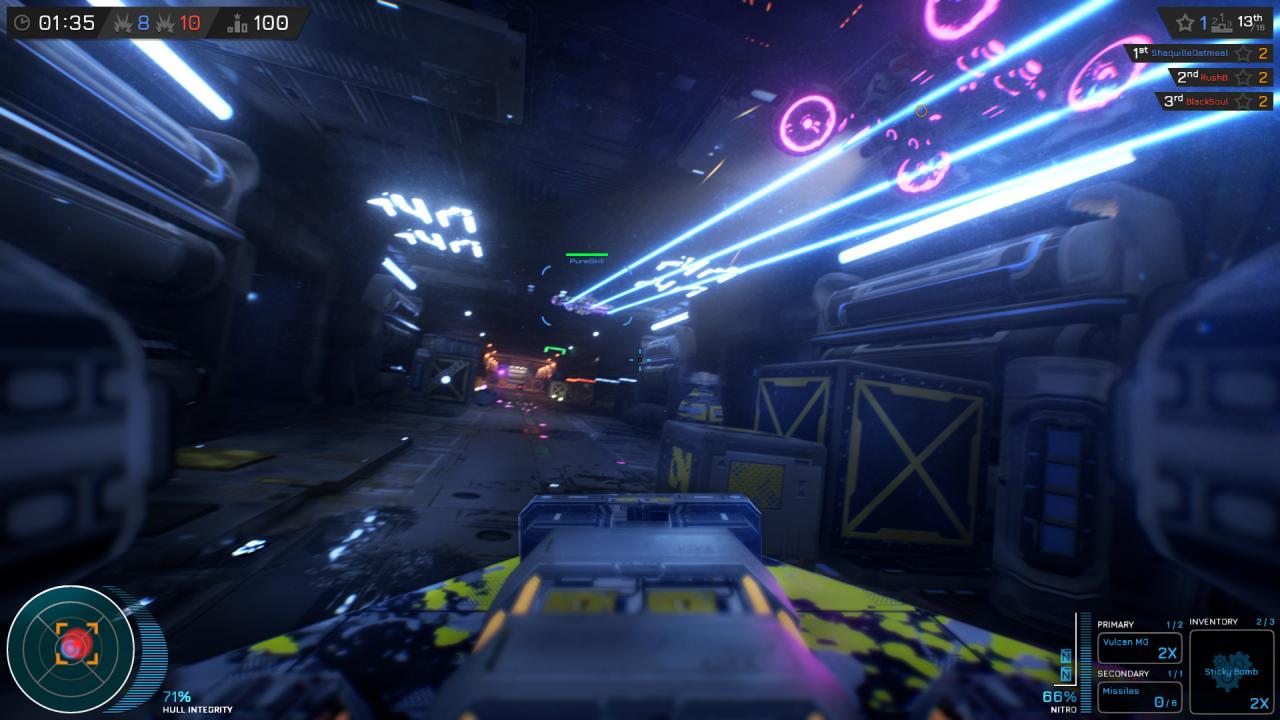
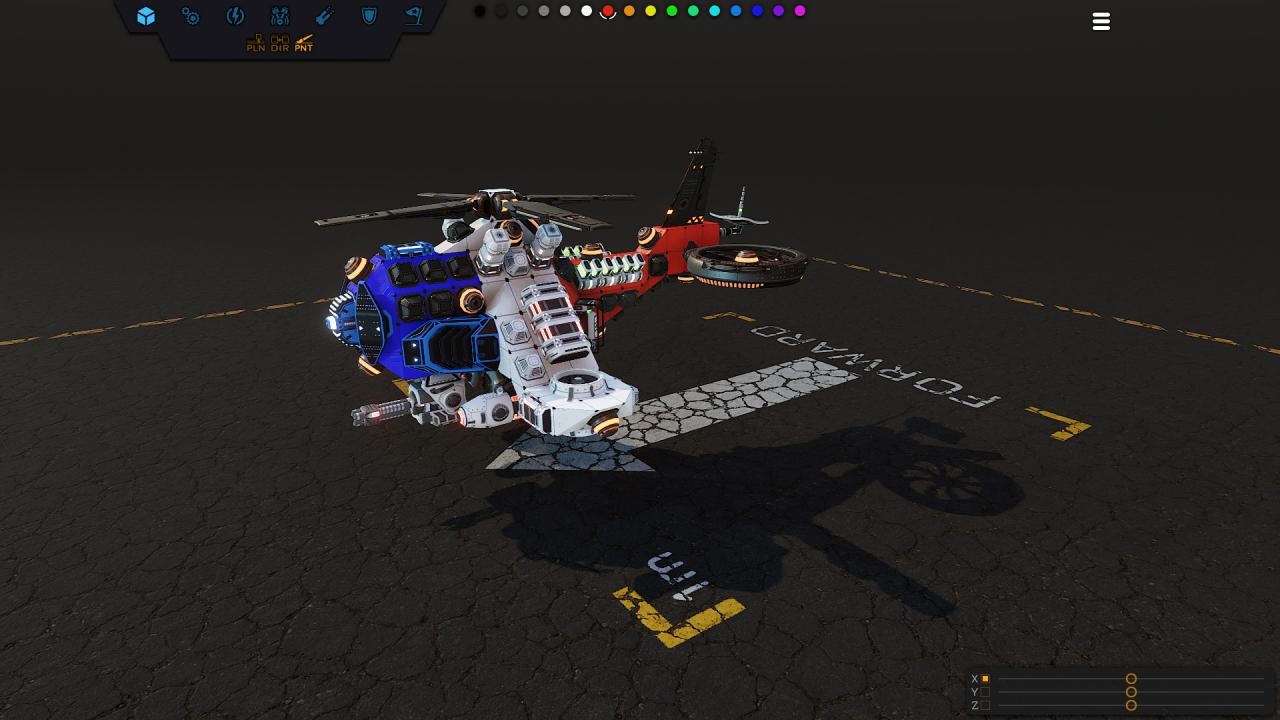
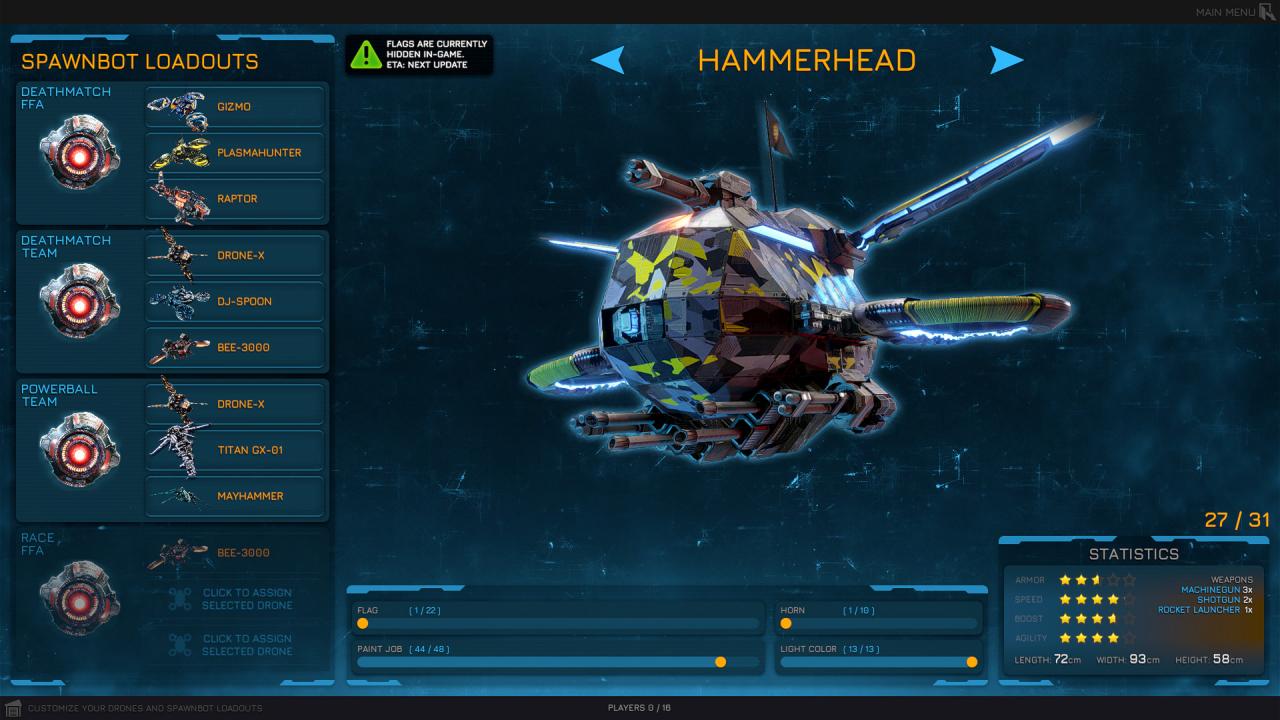
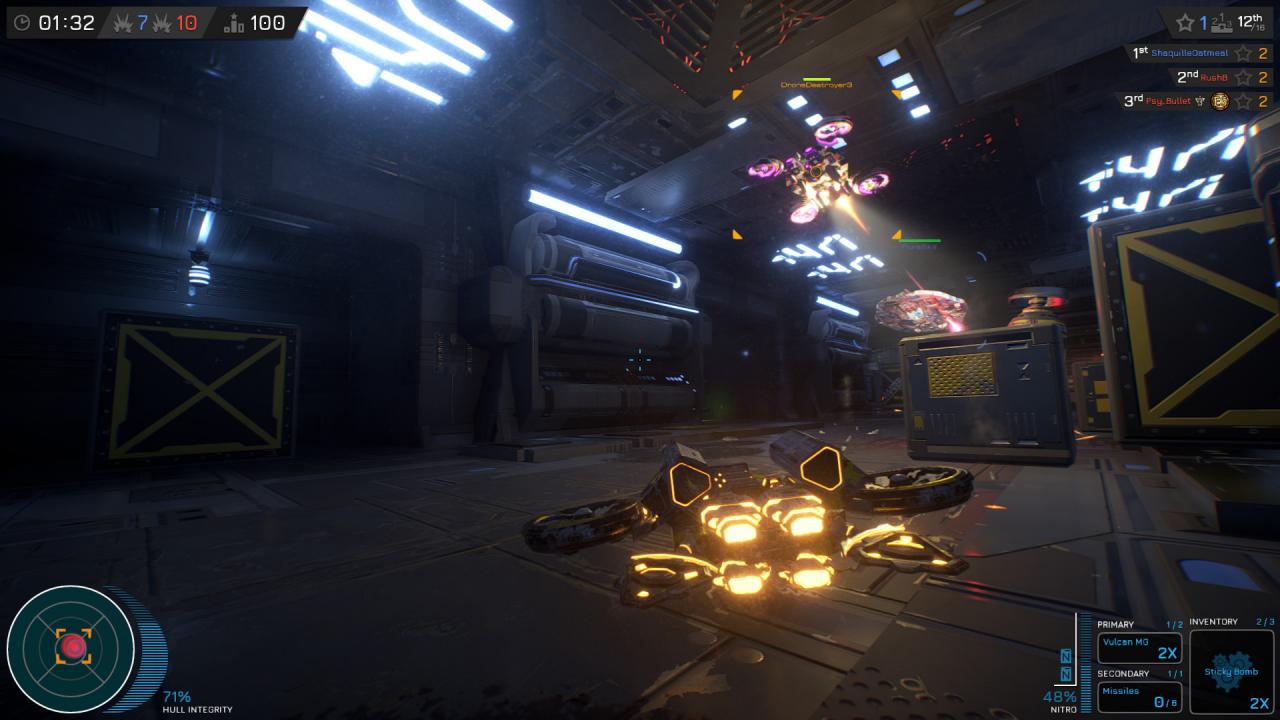
3-dimensional, fast paced and direct, stealthy or brute force action, team based or lone wolf, racing or fighting, you make it what you want it to be. You can amplify your drone piloting skills by creating the unique set of drones that compliment your playstyle and adjust in realtime to whatever challenges other players impose on you. With an infinite supply of community created arenas, which rank from fresh, over trending, to hot on the DRONE community hub, you can be sure to always have a challenge worth to take on. Heck, you may even create your own arenas, tournaments, and rulesets gaining yourself a reputation as an awarded architect. NOTE: Arena sharing is in development and not yet available. The feature will become available once it is ready to test with the community. Features Action packed online multiplayer gameplay 19 pre-made arenas for multiplayer action 30 pre-made drones to choose from Smooth controls, easy-to-learn but hard-to-master FFA deathmatch, team deathmatch, powerball, racing, nore to come Flight training & battle training with bots Drone editor preview where you can build complex drones (no flying yet) Arena building demo where you can be creative and perform test-flights

System requirements

Windows
Requires a 64-bit processor and operating system OS: Windows 7 (64-bit and with latest updates) Processor: Dual Core 2. 2 GHz or equivalent Memory: 4 GB RAM Graphics: 1 GB VRAM or better / Nvidia GTX 650 or AMD Radeon HD 6790 DirectX: Version 11 Network: Broadband Internet connection Storage: 14 GB available space Additional Notes: Included Arena Builder demo is not fully optimized and has higher requirements (8 GB RAM, 2 GB VRAM)

Activation details

Go to: http://store. steampowered. com/ and download STEAM client Click "Install Steam" (from the upper right corner) Install and start application, login with your Account name and Password (create one if you don't have). Please follow these instructions to activate a new retail purchase on Steam: Launch Steam and log into your Steam account. Click the Games Menu. Choose Activate a Product on Steam. . . Follow the onscreen instructions to complete the process. After successful code verification go to the "MY GAMES" tab and start downloading.

Reviews